



Create Your List Today
-
 Helps you prepare for your baby and plan future purchases.
 -
 Use as a checklist to plan and shop for key moments and milestones.
 -
 Purchase with confidence and avoid duplicated or unwanted gifts.



All the Brands You Love


Create, shop and share your lists today
Get StartedFAQsFrequently asked questions
What is My Baby List?
My Baby List allows you to create a personalised list of products to keep track of everything you need for your baby’s arrival and beyond. Think of it as a baby wishlist or a newborn checklist; it helps you plan, organise, and save the items you love in one easy place to shop whenever you’re ready.
It can also be used as a baby gift registry for events such as a baby shower, christening or birthday, providing a simple way to make gift suggestions and help friends and family know exactly what you need for your little one.
Is My Baby List free to use?
Yes, it’s a completely free service, designed to make planning, buying and gifting for your baby easier.
How to create a Baby List?
Creating your list is simple:
- Sign in or register – If you already have a Mamas & Papas account, head to My Account > My Baby List to begin creating your lists. No account? No problem, register here in just a few clicks.
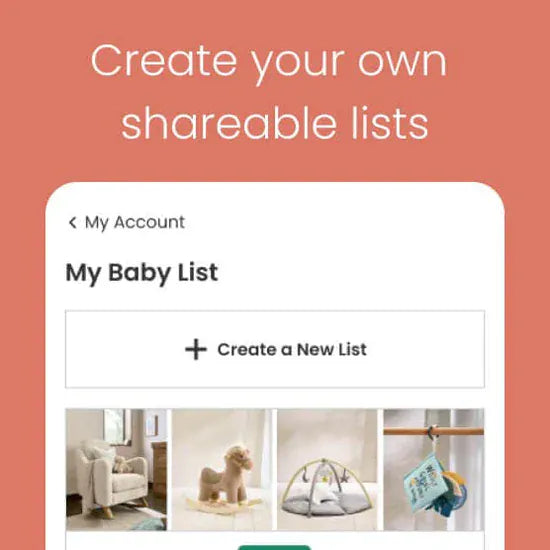
- Create your baby list – Click Create List to start a new list and give it a relevant name e.g. ‘Newborn Essentials’.
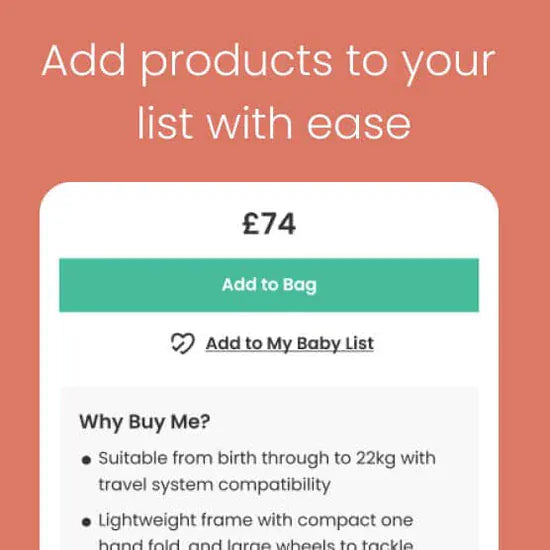
- Add products – Browse our full range online and add your favourite and must-have products to your list by clicking the ticked heart icon .
- Shop or share your list – Shop items on your list whenever you’re ready, or if creating a list as a gift registry, share the link with family and friends for them to shop.
- Receive your goods and gifts – Sit back, relax and wait for your items to arrive.
Can I add items from other brands to My Baby List?
Yes – you can add items from any of the trusted baby brands that we stock at Mamas & Papas, such as iCandy, Joie, Cybex, Maxi-Cosi and many more.
Can I have more than one Baby List?
Yes, you can create multiple Baby Lists to organise and keep track of the things you’d like to save for later or share with loved ones. Simply head to My Account > My Baby List and select Create List, then give your list a name, e.g. ‘Newborn Checklist’, ‘Hospital Bag’, ‘Baby Shower Gifts’. To add items, tap the ticked heart icon on any product page and choose the list you’d like to save it to.
Can I have a list just for me and a separate one to share with others?
Absolutely. You can create as many lists as you like and choose which ones to keep private or share. For example, you might have a ‘Hospital Bag’ or ‘Dream Nursery’ list just for your own planning, alongside a ‘Baby Shower’ or ‘Welcome to the World’ list to share gift ideas with friends and family.
How do I share a Baby List, and who can see it?
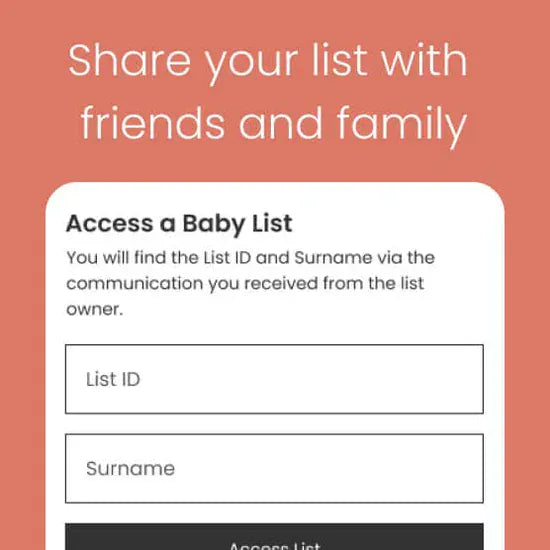
You can share your Baby List(s) with loved ones directly by sending them a link via email, text, or social media. Only people with the link can view it, and they don’t need a Mamas & Papas account to access it. Alternatively, you can share your account surname and list ID with friends and family, who can then search for your list here.
How can gift-givers shop my list?
Family and friends can shop your list online via our website or app. Alternatively, they can visit one of our Mamas & Papas stores or Mamas & Papas concessions located within select Marks & Spencer and Next stores, where a member of our team will be happy to assist them.
How can I see what items have been purchased by family and friends?
When an item is bought online via your list, it will be automatically marked as purchased. If friends or family purchase in-store, they can notify a team member, who will update your list. You can also manage your list yourself by manually marking items as purchased.
Will I see who bought each gift?
Family and friends can leave their name and a personalised message when they purchase an item from your list, either online or in-store. If you’ve opted in to updates, you’ll receive these details by email, and you can also see them directly on the purchased item in your list.
When should I start creating baby wishlists?
It’s never too early to start preparing for your baby, but beginning in your second trimester allows you time to research what you’ll need and create a shortlist of items that fit your budget, needs, and lifestyle ahead of your due date. If you use My Baby List to share gift ideas, it also gives friends and family enough time to select and buy items ahead of your baby shower or before your little one arrives.
What should I put on my lists?
Your Baby List(s) can include anything you’ll need (or want!) for your little one. Popular categories include baby clothing, nursery furniture and accessories, travel essentials such as pushchairs and car seats, playmats and toys, feeding, changing, bathtime products, and baby seating such as a bouncer, rocker or high chair.
If you’d like extra guidance, you can book a free Buying for Baby appointment with one of our Mamas & Papas experts, online or in-store. They’ll talk you through what you need, answer questions and demonstrate products.
Is there a limit to how many items I can add?
There’s no limit at all – you’re free to add as many items as you like to your Baby List, making it easy to plan, save ideas and shop at your own pace.
How to edit a Baby List?
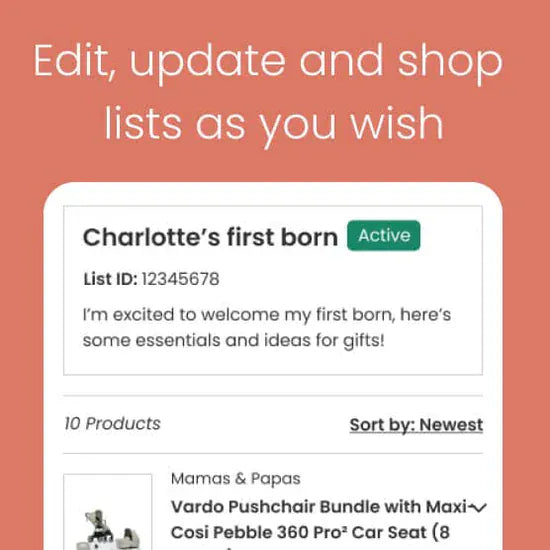
To edit your baby wishlist, sign in to your Mamas & Papas account and go to My Baby List. From there, you can:
- Remove items you no longer need
- Add new products as you browse the website
- Rename your list or adjust your settings (where available)
- Share your list with friends and family
- Mark items as purchased
- Deactivate or reactivate your list
When will I get My Baby List items delivered?
Purchases made through My Baby List are subject to our standard delivery policy and options, which are displayed to the purchaser at checkout. Items are delivered to the address provided by the purchaser at checkout and are not automatically sent to the list owner’s address.
How do returns and exchanges work with My Baby List?
You can return items within 30 days as long as they’re unused, in their original packaging and still have all tags attached. You can return items you’ve ordered or gifts you’ve received to any Mamas & Papas store. If the item is a gift, the value will be refunded to a gift card if no original proof of purchase is provided. If you wish to exchange, please visit one of our stores, where our colleagues will be happy to help. Alternatively, you can return items by post to our Support Centre. The refund will be issued to the original payment method. Please note that personalised items, any toiletries, underwear, swimwear, opened mattresses, refurbished items and opened products can’t be returned.
What happens if my circumstances change and I want to close my list?
You can close your list at any time by selecting Deactivate within your account. This will pause your list and means it can be reactivated later if you wish. If you’d prefer to permanently remove it, select Delete List in the top-right corner of the list screen. We understand that plans can change during pregnancy, sometimes unexpectedly. If you need any additional support at any point, our Customer Care team is here to help and will take care of everything for you with care and understanding.